2.4. Search Optimization Reports
2.4.1. Overview
The Search section is the central entry point to all scientific evidence included in the IOLEvidence application.
Its primary objective is to allow rapid identification of the most relevant and most recent evidence available in the database.
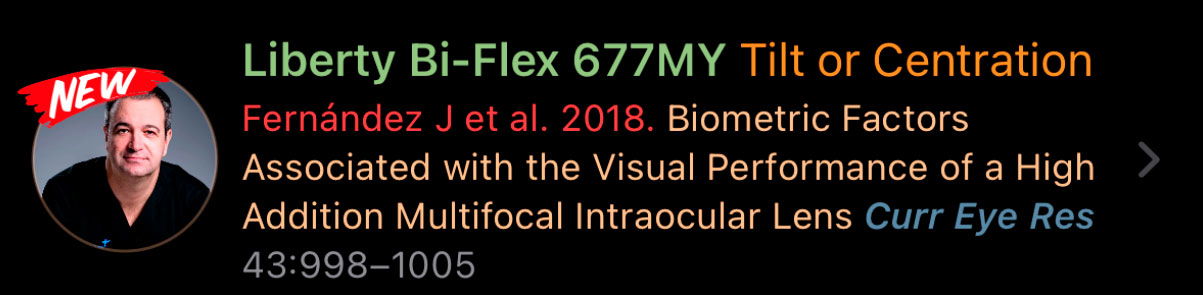
All articles incorporated into the app are listed here, with newly added studies clearly marked with the “New” label. This visual tag allows users to immediately identify the latest evidence without the need for additional filtering.
In addition, the Search section provides a global search engine that enables users to explore the entire database by:
Authors: Only the first author is displayed followed by et al., but the search includes all co-authors.
Title: Searches the full article title, allowing partial and keyword-based matches.
Journal: Searches by journal name to retrieve all articles published in a specific journal.
Category: Searches by functional IOL classification (e.g. Narrowed, Enhanced, Extended, Steep, Smooth, Continuous).
Intraocular lens (IOL) model: Searches by commercial IOL model name across all studies in the database.
This makes Search the fastest way to both stay up to date and retrieve specific evidence across the whole application.
2.4.2. Search Sections
Within Search, articles are organized into two clearly differentiated sections:
Confirmatory
Optimization
This separation is intentional and strictly methodological. Each section contains a different type of scientific evidence and serves a different clinical purpose.
Optimization Reports

The Optimization section contains interpretative and explanatory studies. These investigations focus on understanding why outcomes may vary, rather than defining baseline lens performance.
Typical topics include:
IOL tilt and centration
Angle kappa, angle alpha, chord-mu
Corneal aberrations
Biometric or anatomical confounders
Patient-specific factors influencing outcomes
…
These studies correspond to the O (Optimization) component of the P–E–C–O framework and are not intended for lens classification.
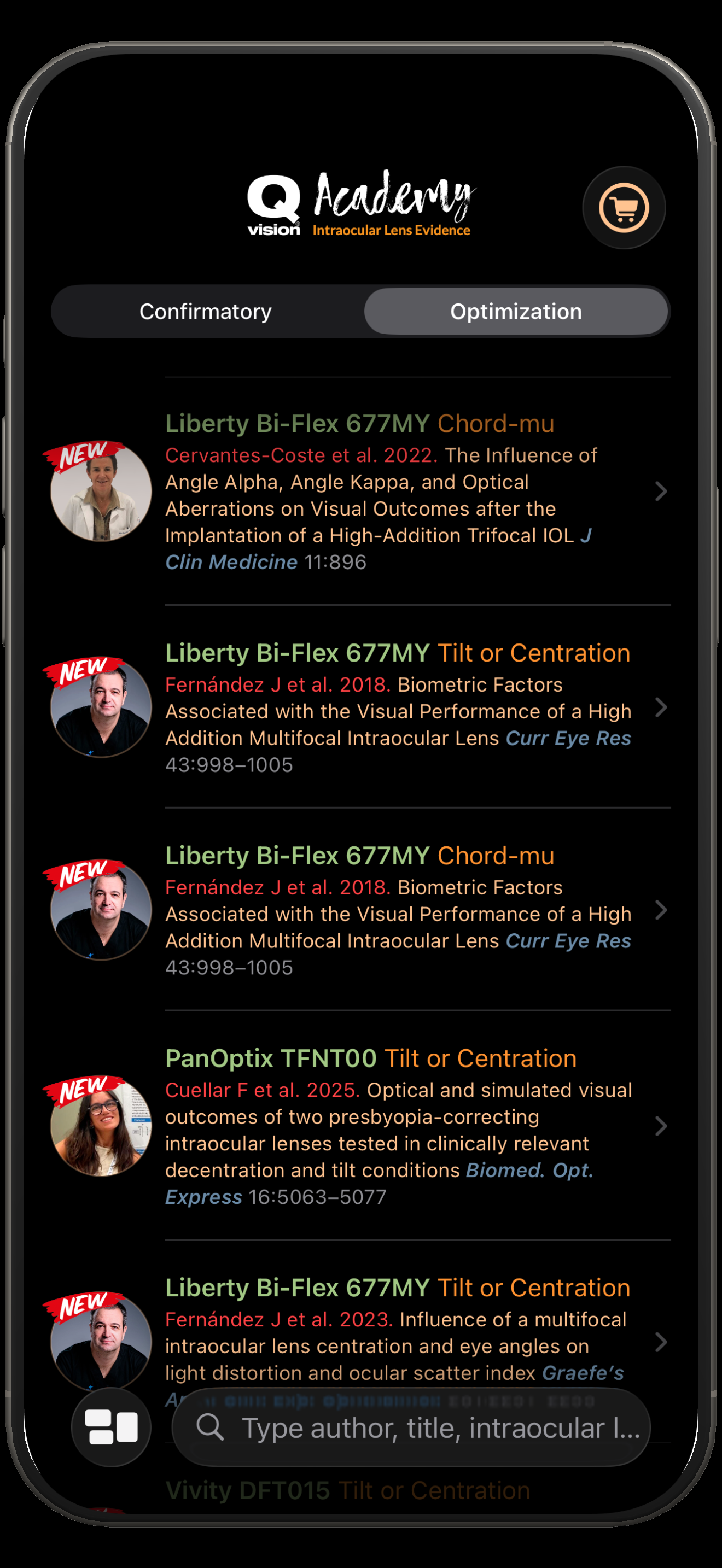 | How to access this viewThis view is accessed by tapping the Search icon (magnifying glass) in the bottom navigation bar of the app. By default, the Search section opens showing the Confirmatory tab, although users can switch at any time between Confirmatory and Optimization using the segmented control at the top of the screen. What can be seenThis screen displays a list of all scientific articles included in the application ordered by last updated. This means that the content of these reports can be modified by Authors request, after any modification, the report will be added again to the “New” tag during one week. |
|---|